1
Set the budget
Start with a number and give the build a clear target before spending begins.
Track every camper van build expense, vendor, product link, and note in one clean dashboard, without fighting a messy spreadsheet.
See your spending patterns, category breakdowns, and project progress in one place, so you can make confident decisions before small purchases turn into big budget surprises.
No clutter. No bloated project software. Just the build costs and details you need.
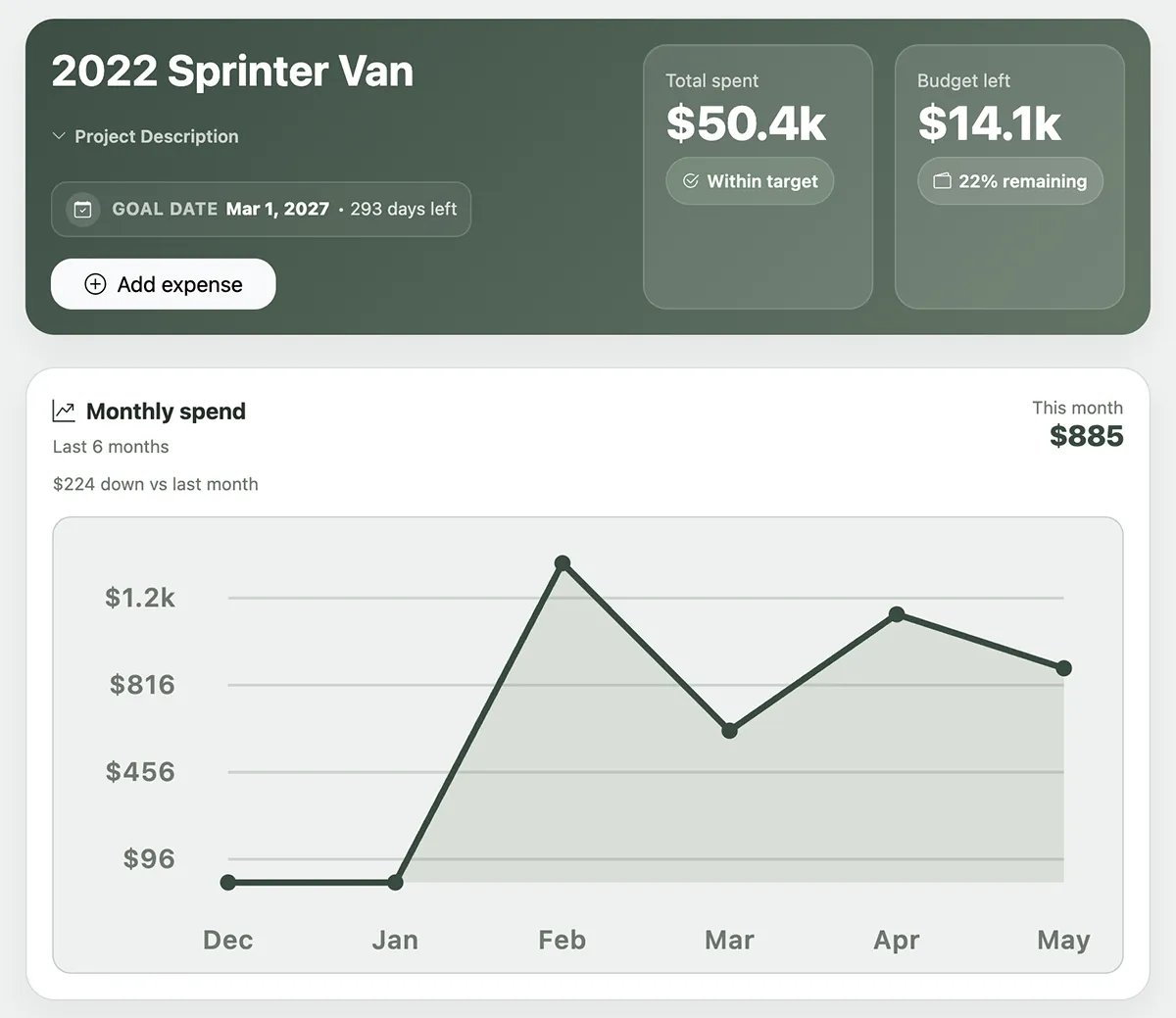
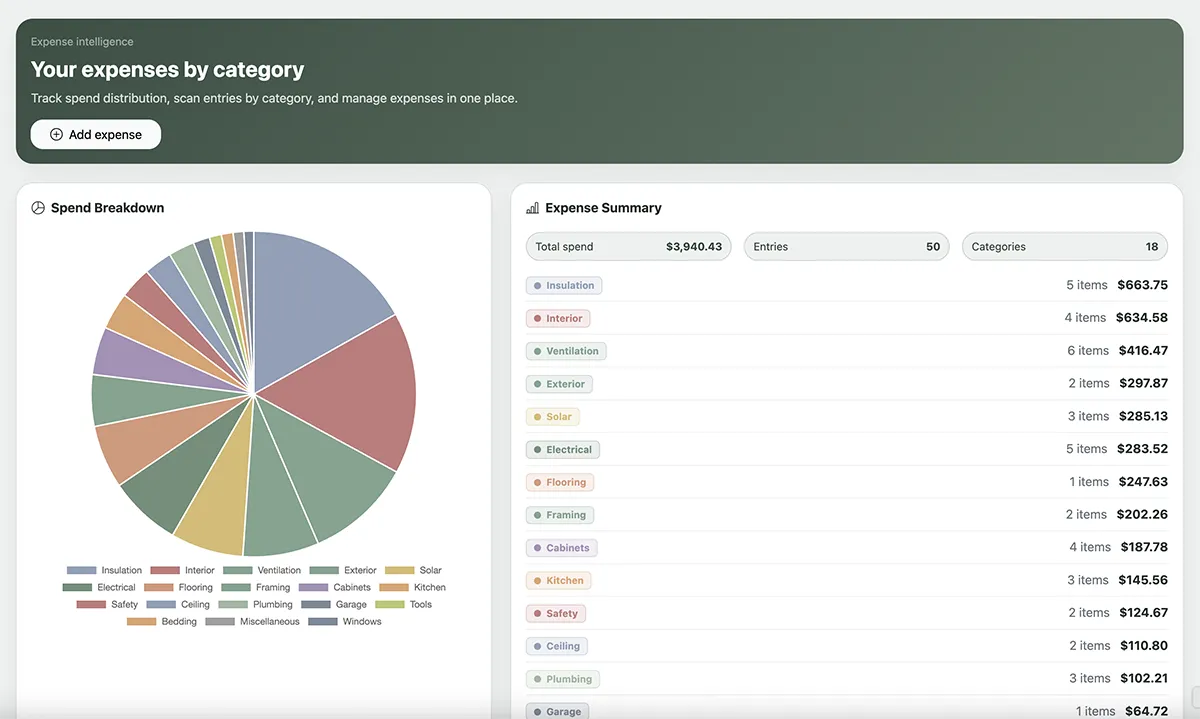
If expenses are the biggest part of your build, they should be the easiest part to control.
The Build Planner is built around the things that actually matter when you’re putting a van together. Nothing extra, nothing missing.
Every purchase logged with price, date, vendor, and category so nothing falls through the cracks.
Set a total budget and watch a live running total update every time you log an expense.
See monthly spend trends, top categories, recent transactions, and project progress in one quick view.
Create a build to-do list, check things off as you go, and keep the whole project moving forward.
Save install notes, measurements, model numbers, and anything else you’ll wish you had written down.
Tag expenses by build area, like electrical, plumbing, insulation, and furniture, and see where the money is really going.
When you’re ready to sell, track the listing details, asking price, and sale outcome all in one place.
Running multiple builds? Each project gets its own full dashboard, budgets, expenses, and notes.
Use it on your laptop when you are planning, then tap it from your home screen when you are out buying parts and need to log something fast.
You just grabbed $60 in plumbing fittings you weren’t planning on. You know if you don’t log it now, it disappears into the blur of the build. You pull out your phone, tap the icon on your home screen, and add it while it’s still fresh, before the receipt is buried in your bag.
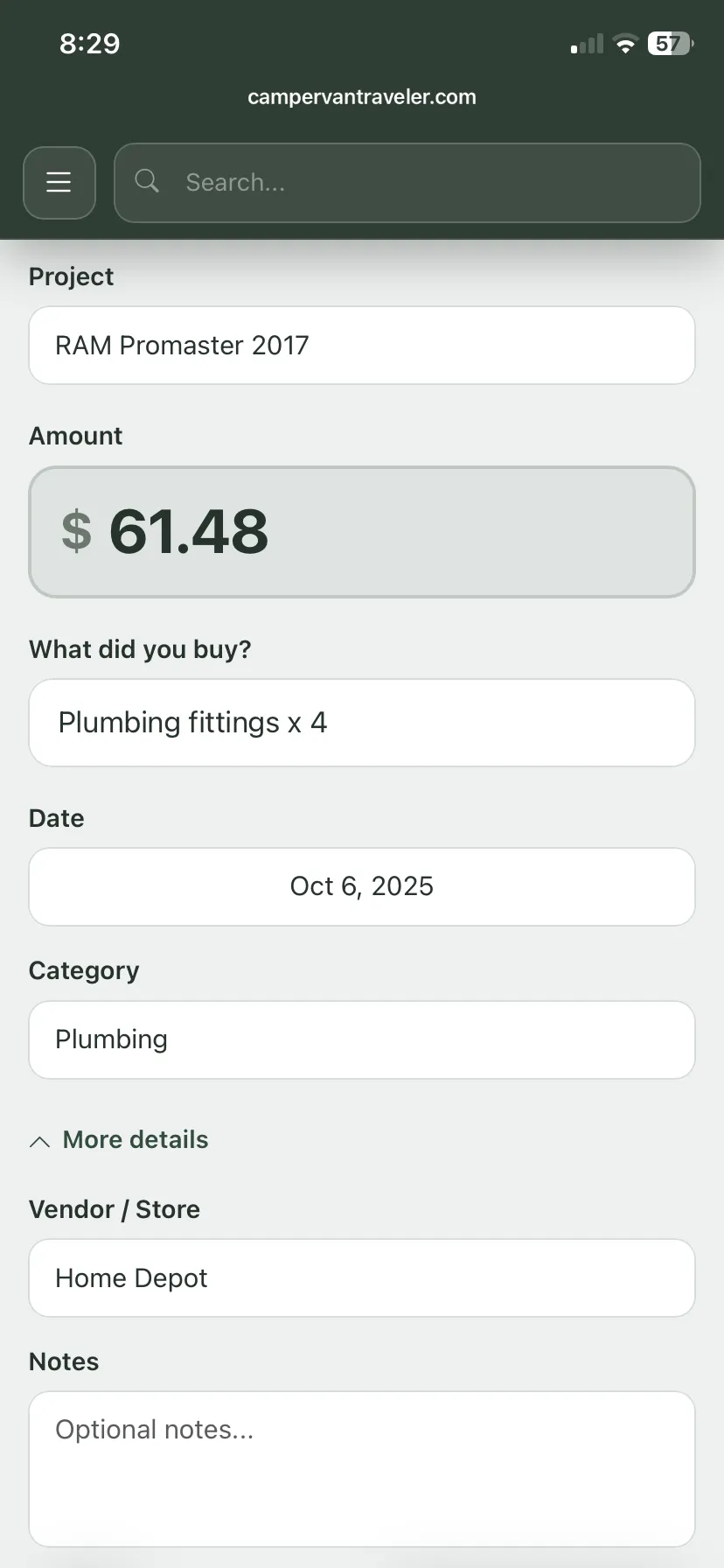










Instead of bouncing between notes, spreadsheets, bookmarks, receipts, and half-finished to-do lists, everything lives together in one organized build hub from the first purchase to the final sale.
Start with a number and give the build a clear target before spending begins.
Log purchases, vendors, links, and categories so the real total stays visible.
Keep tasks and notes in the same place as the money so work and spend stay connected.
Open it from your home screen at the store, on the road, or in the driveway.
When the build is done, listing details and the van’s history are already organized.
As the project grew, I found myself bouncing between spreadsheets, notebooks, and random notes just trying to keep track of where the money was going.
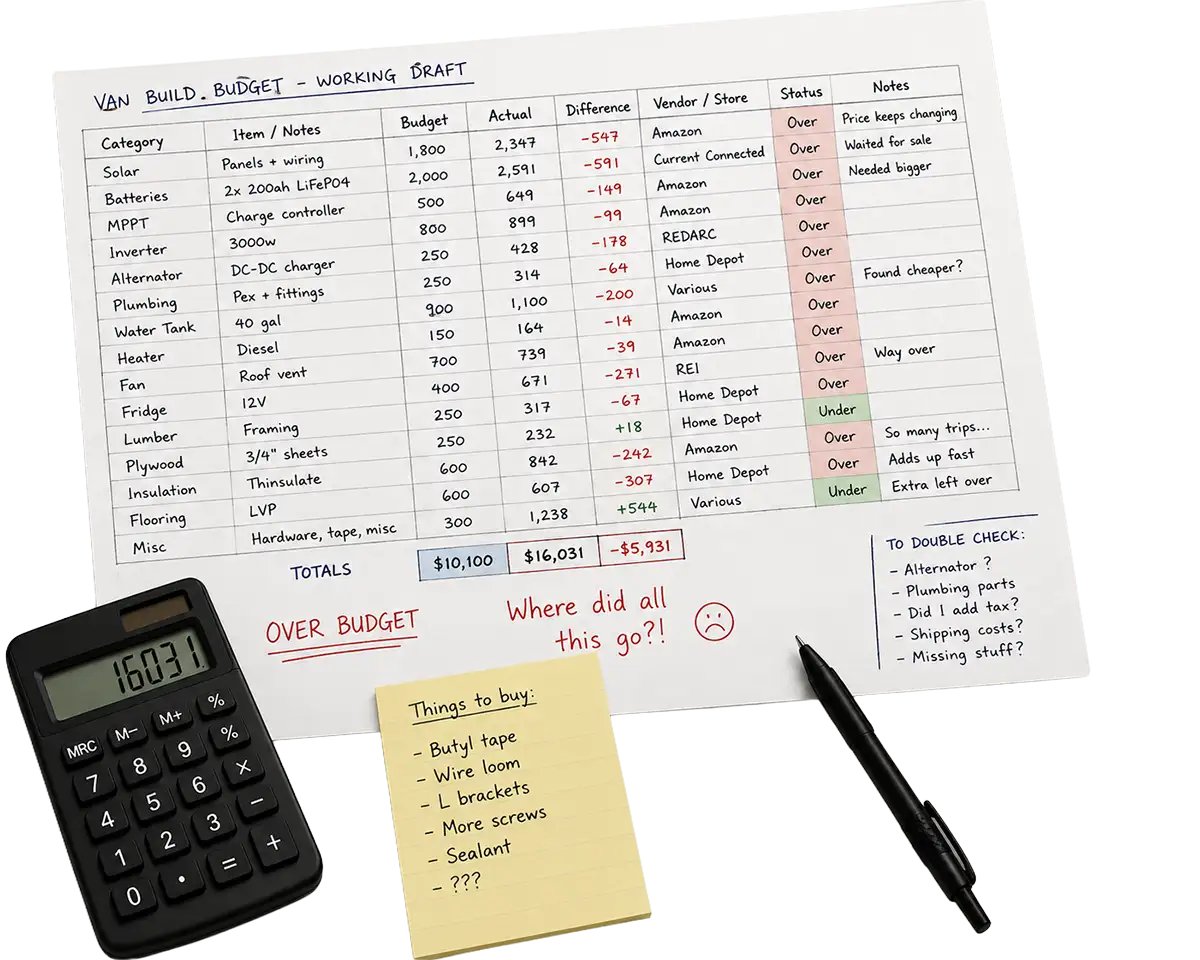
Unlimited projects. Use it for this van, the next van, or multiple builds at once.
Export to PDF or CSV. Share, print, and back up your build data anytime.
Keep your build finances in order. Every purchase, category, and vendor stays organized in one place.
Replace the scattered system. No more juggling tabs, notes, bookmarks, and receipts.
See what is left before you buy. Check your budget and totals before another quick store run turns into overspending.
You can fully test drive everything first, then decide if it is worth keeping for your build.
Use the full app with no locked features so you can see exactly how it fits your workflow.
Pay once to continue using everything you built during your trial. Includes unlimited projects so you can use it for this build and future builds.
Keep your expenses, budget, notes, tasks, vendors, exports, and future sale details in one organized place instead of chasing them across tabs and spreadsheets.